Guides for musicians
Practise and play to a click — the practical guides
Metronome Map 2 is a metronome that follows your whole song: its sections, bars, cues and your notes. These guides explain the techniques behind it in plain language, so they are useful whatever app or gear you use.
Written for drummers, guitarists, singers, bands, worship teams and music directors — anyone who rehearses or performs with a click.
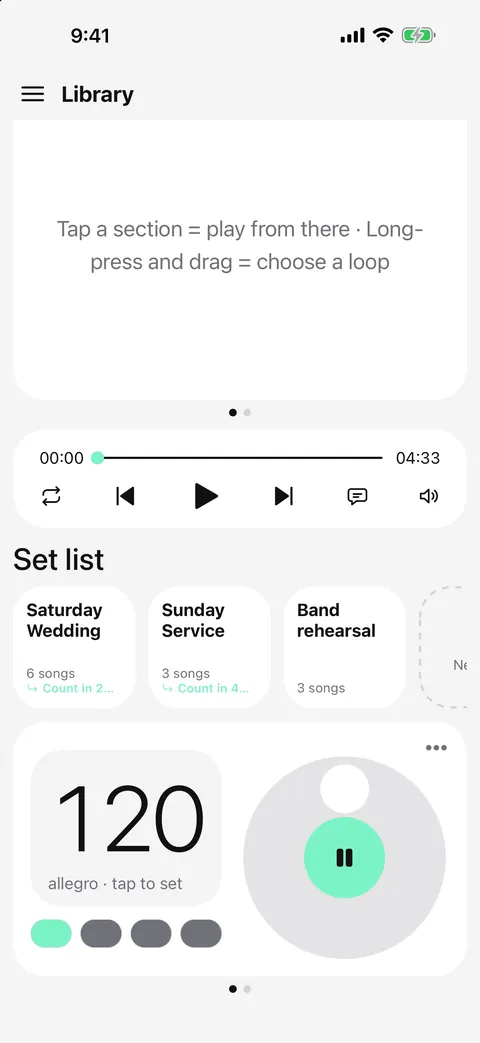
MetronomeHow to use a metronome — from the first click to whole songsSet the BPM, beats and subdivisions, practise slow to fast and handle odd time signatures.Read the guide →
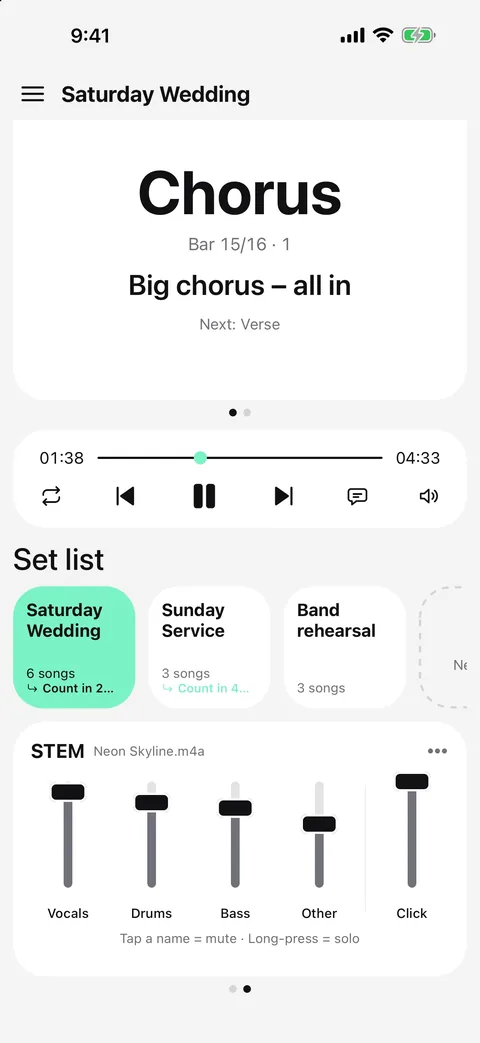
Backing tracksHow to make a simple backing track from a songSplit a song you own into stems, mute your part and play along in time.Read the guide →
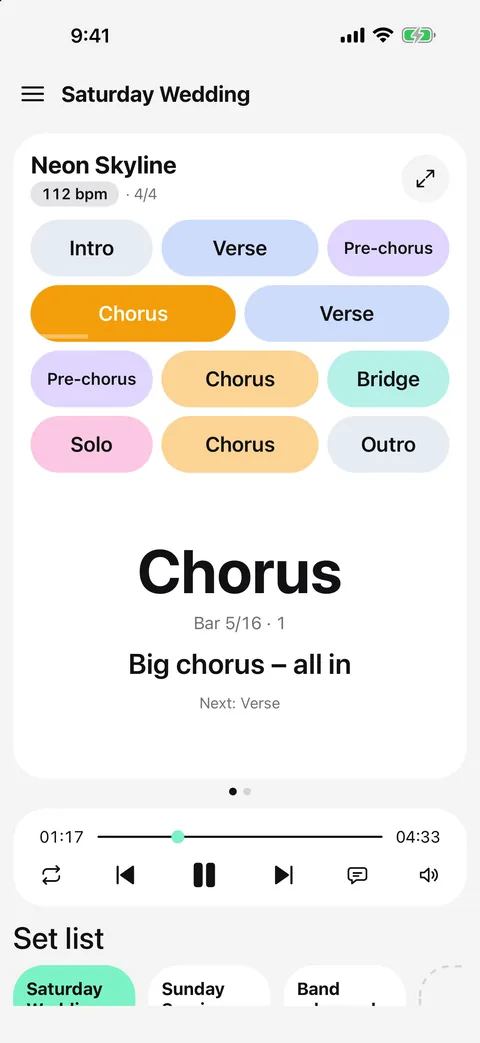
CuesHow to add cues and count-ins to a songPlan spoken cues, place count-ins and run a click with cues live.Read the guide →
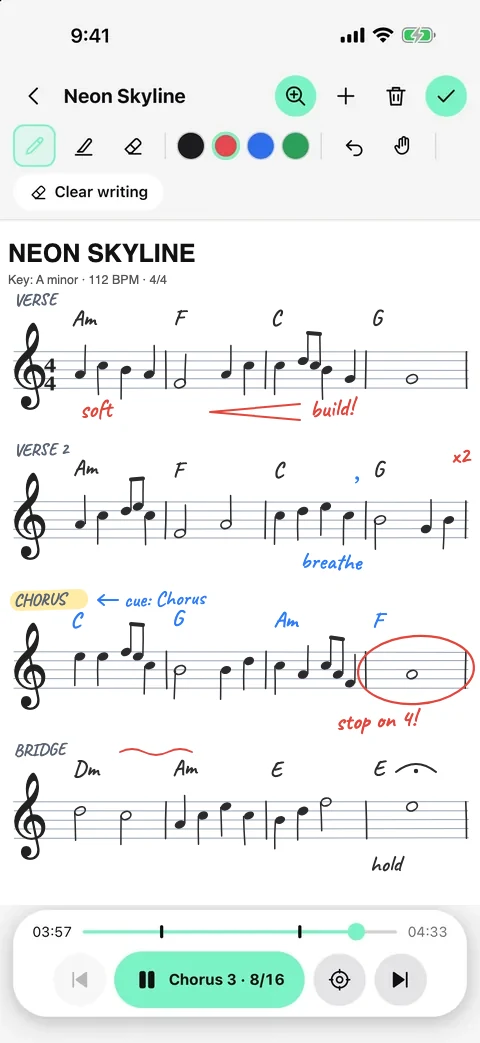
NotesHow to take notes on sheet music and chord chartsWrite on staff paper, mark up chord charts and pin notes to the bar.Read the guide →
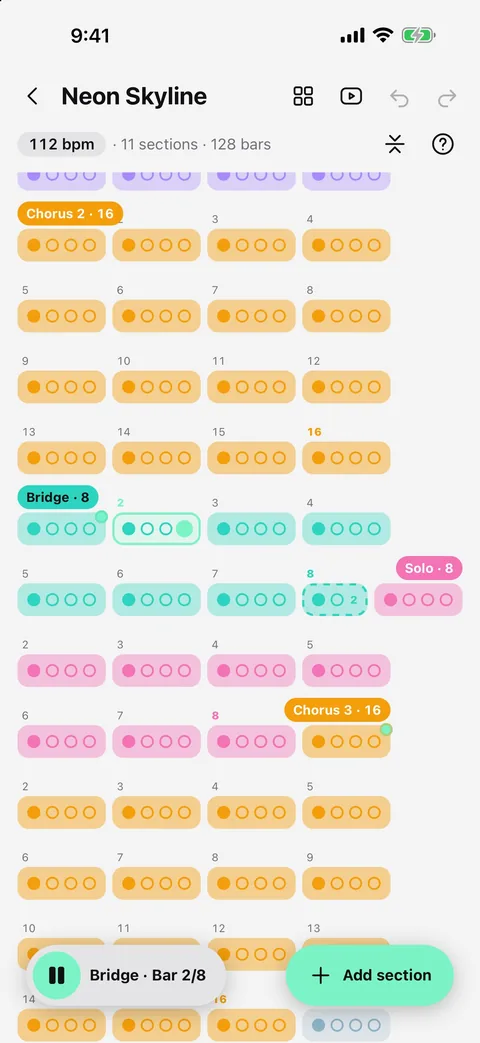
Song mapHow to make a click track for a whole song — no DAW neededBuild a click track for a whole song — sections, bar counts and odd bars — without a DAW.Read the guide →
TempoHow to find the BPM of a songTap tempo, count the beats, and set the time signature — the fast way to find a song's tempo.Read the guide →
Practice speedHow to slow down a song without changing the pitchPractise at 0.75x without the pitch dropping — with the click still in time.Read the guide →
LoopsHow to loop part of a song to practise itA-B loops and section loops: repeat the hard part with a count-in, in time.Read the guide →
RehearsalHow to rehearse a song section by sectionJump between sections in rehearsal: count in, jump straight in, or finish the current section first.Read the guide →
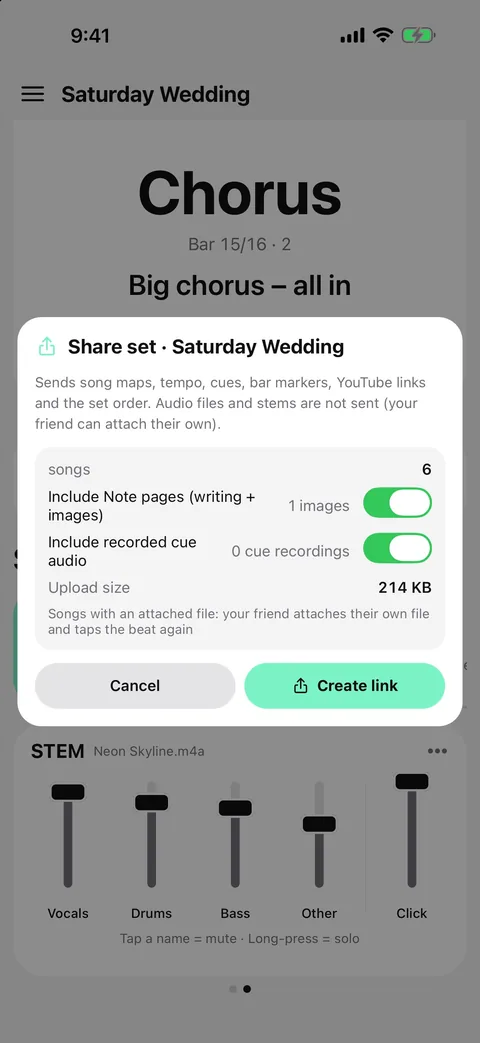
Set listsHow to run a live set from your phoneRun a live set from a phone: song order, gaps between songs, seamless segues and sharing with the band.Read the guide →
Beat gridHow to make a click track follow a recording that speeds up and slows downSongs recorded without a click drift. A beat grid makes the metronome follow every beat.Read the guide →
Your musicHow to play along with your own songs with a clickBring songs from Files or the iPhone Music library and play along with a click.Read the guide →
Live routingHow to send the click to in-ears and the backing track to front of housePan the click and cues to one side and the band to the other — from one phone.Read the guide →
YouTubeHow to play along with YouTube videos in time with a clickOpen a YouTube video, tap along to set the beat, and the video follows your click.Read the guide →
ExportHow to export a click and backing track as one WAV fileRender stems, click and cues to one WAV — each panned left, stereo or right.Read the guide →
About Metronome Map 2
- A classic metronome plus a song map of sections and bars, with odd bars such as a 2/4 pickup
- Spoken or recorded cues and count-ins that land exactly on the bar you mark
- AI beat grid and stem separation (vocals, drums, bass, other) for audio files you own
- Notes that zoom to the bar, and set lists you can share with your band by link
- Free on Google Play for Android; iPhone and iPad beta on TestFlight; English and Thai

Try it in Metronome Map 2
The metronome that follows your song: song map, cues and count-ins, AI beat grid and stems, notes that zoom and set lists. Free on Android; iPhone and iPad beta on TestFlight.