 PM Technology
Shelf Pop! Goods Sort
Sort the goods, pop the triples! A cozy triple-match puzzle game.
Out now on the App Store and Google Play


- Free to play
- iPhone · iPad · Android
- 1,000 levels
- Plays offline
- Rated 4+
What is Shelf Pop!?
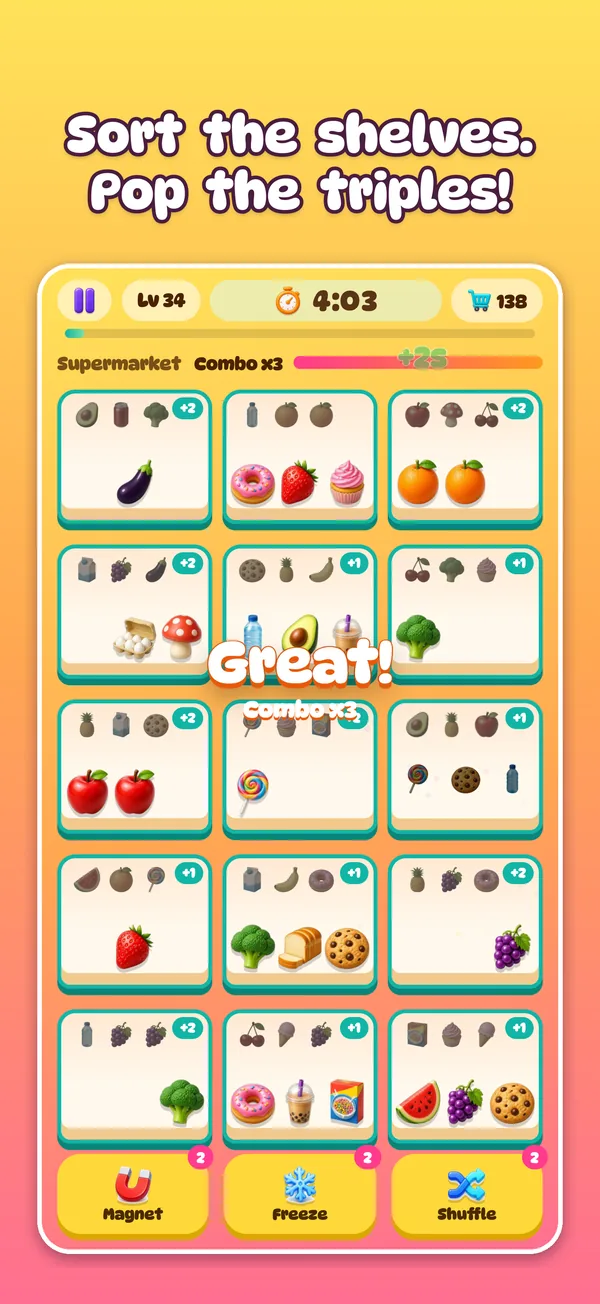
Shelf Pop! Goods Sort is a free triple-match sorting puzzle game for iPhone, iPad and Android, made by PM Technology in Australia. You drag cute goods onto shelves; three of the same item on one shelf pop and disappear. Clear every shelf before the timer runs out to win the level. There are 1,000 levels across 8 themed shops, and the levels play offline.
Screenshots
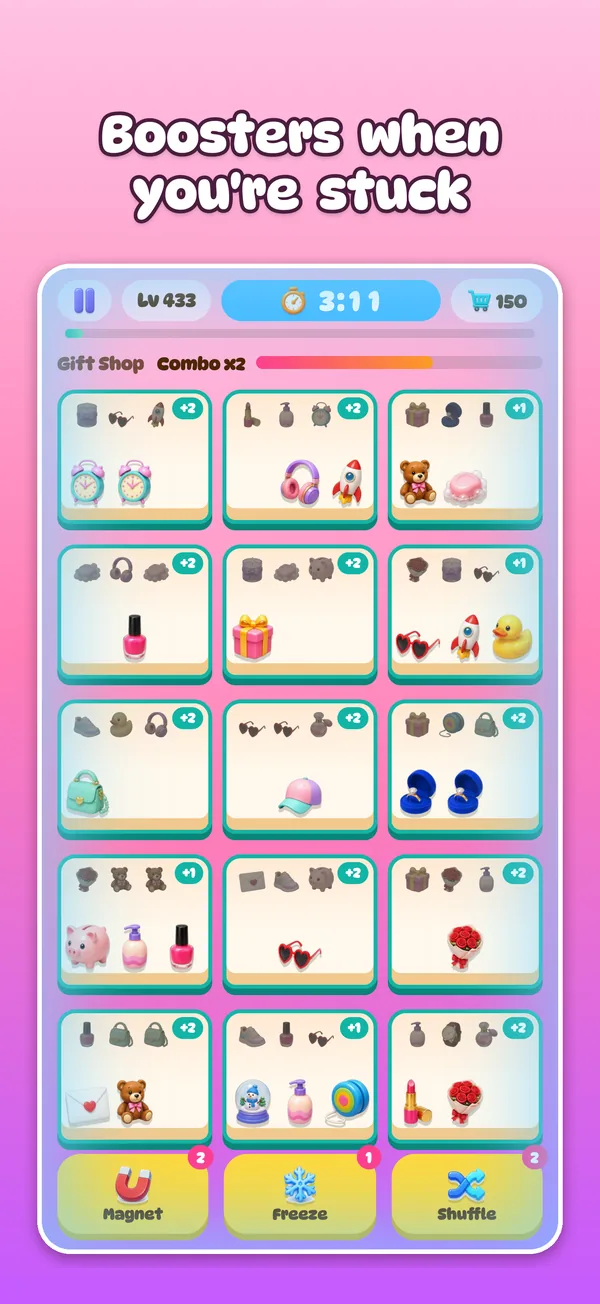
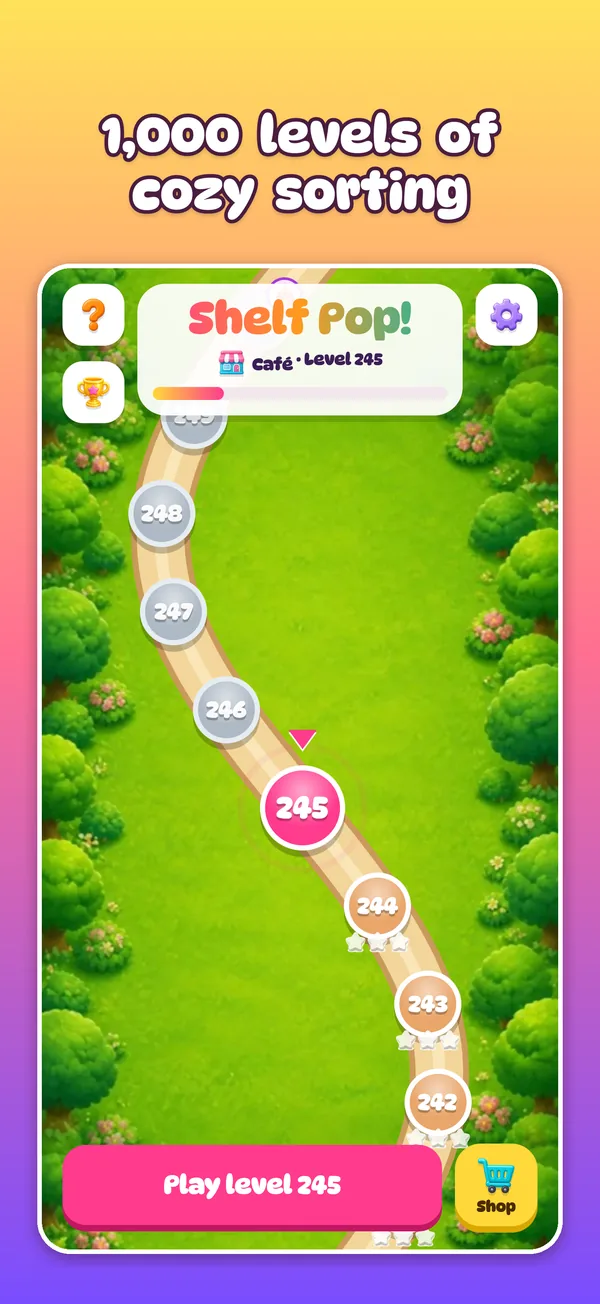
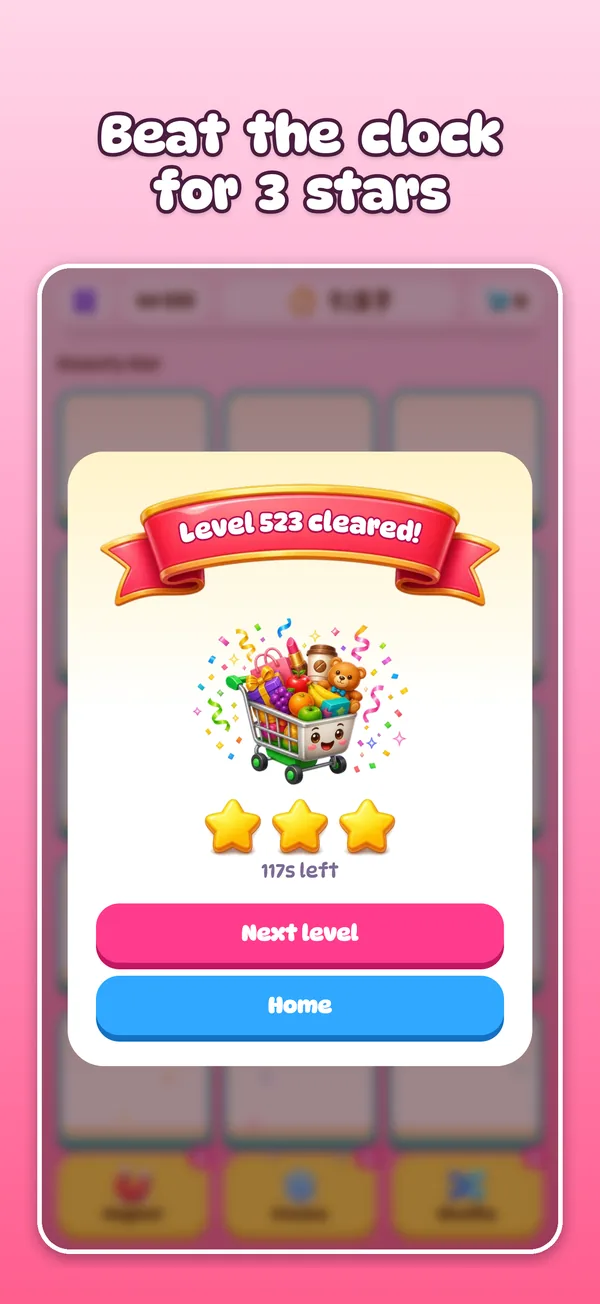
How to play
- Drag an item onto any shelf, or tap it and then tap a spot.
- Put 3 identical items on one shelf to pop them.
- When a shelf’s front row is empty, the items behind slide forward.
- Clear the whole store before time runs out. Fast pops build combos and bonus seconds.
Why players love it
1,000 levels
Each with its own mix of goods, plus Hard levels that pay out bonus boosters.
8 themed shops
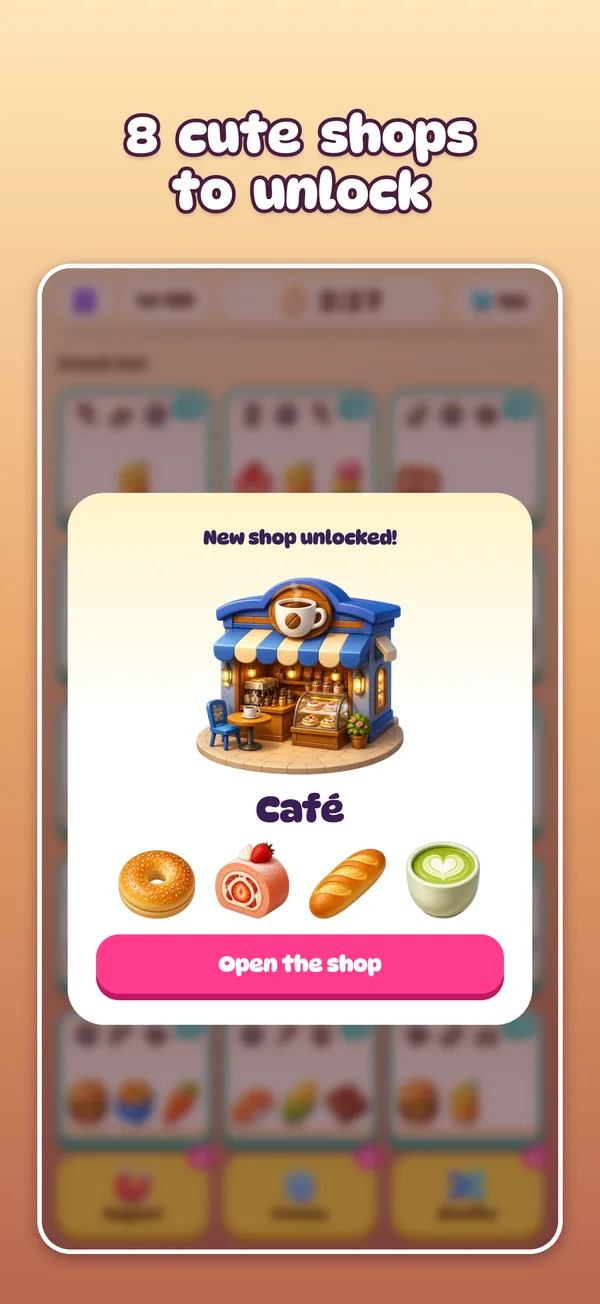
Supermarket, Snack Bar, Café, Toy Store, Gift Shop, Beauty Bar, Stationery and Home & Garden, then the Mega Mall mixes them all.
192 glossy goods
From bubble tea and donuts to teddy bears and lipstick.
3 boosters
Magnet removes 3 matching items, Freeze stops the clock for 10 seconds, Shuffle mixes the front rows.
Daily gift & 3 stars
A free gift every day, and 3 stars for beating the clock.
World leaderboard
See how you rank in your country and the world. No account needed.
Key facts
- Developer
- PM Technology (Australia)
- Genre
- Puzzle · Casual · triple-match sorting
- Platforms
- iPhone and iPad (iOS 15 or later), Android 7.0 or later
- Released
- October 2026
- Price
- Free, with ads and optional in-app purchases (Remove Ads US$3.99, booster packs from US$0.99)
- Age rating
- 4+ on the App Store · Everyone / PEGI 3 on Google Play
- Internet
- Not needed for levels; the leaderboard and ads use it when online
- Language
- English
Help & FAQ
Is Shelf Pop! free?
Yes. Shelf Pop! is free to download and play on iPhone, iPad and Android. It shows ads between levels and offers optional in-app purchases: Remove Ads and booster packs. Reward videos are always optional.
Can I play Shelf Pop! offline?
Yes. All 1,000 levels play without an internet connection. The leaderboard, purchases and ads need a connection when you want them.
Which devices does Shelf Pop! run on?
iPhone and iPad with iOS 15 or later (download it on the App Store), and Android phones and tablets with Android 7.0 or later (get it on Google Play).
How do I play?
Drag an item (or tap it, then tap a spot) onto any shelf. Three of the same item on one shelf pop. When a shelf’s front row is empty, the items behind slide forward. Clear every item before the timer runs out.
What do the boosters do?
Magnet removes 3 matching items, Freeze stops the clock for 10 seconds, and Shuffle mixes the front rows. When one runs out, its button shows a pink play icon: tap it and the game asks whether you want to watch a short video to get one more.
I bought “Remove ads” on another phone. How do I get it back?
Open the game, tap Settings › Restore purchases, signed in with the same Apple ID or Google account you used to buy it.
I removed ads, but I still see videos.
“Remove ads” turns off the ads between levels. Reward videos stay available because they are optional: they only play after you tap a button with the pink play icon and agree to watch, to earn a booster or a second chance.
My purchase didn’t arrive.
Purchases that need approval (for example Ask to Buy) or that were interrupted are added automatically the next time you open the game with an internet connection. If it still hasn’t arrived, contact us with the date of purchase.
Will I lose my progress if I delete the game?
Your progress is saved on your phone. Deleting the game deletes it, unless your phone restores it from its own backup. “Remove ads” can always be restored.
How do I change my ad privacy choices?
On iPhone: Settings › Privacy & Security › Tracking. In the EEA, UK and Switzerland: Settings › Privacy options inside the game. See our privacy policy.
Contact
Questions, bugs or ideas? Email info@pm-tech.com.au. Please include your phone model and the level number if it’s about a bug.
Download Shelf Pop! for free
Sort, match and pop on iPhone, iPad and Android.